
Why Investing in UI/UX Design Saves Development Costs in 2026
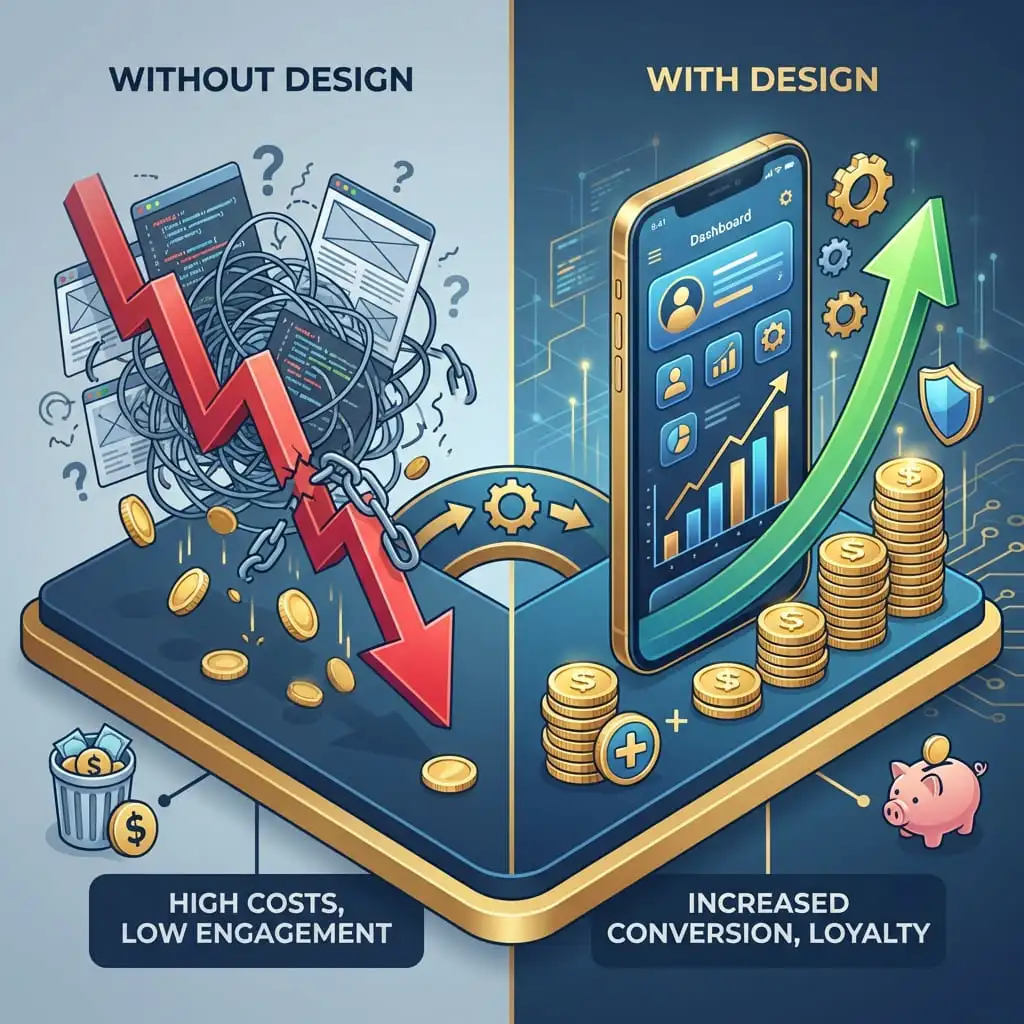
When non-technical business founders and corporate managers budget for a new software application, they frequently view UI/UX design as an optional cosmetic expense: "Can't our developers just build the database and logic first, and we'll make it look pretty later?"
Direct Answer: Investing in UI/UX design saves up to 50% in total development costs by following the 1-10-100 rule of software engineering: catching architectural flaws and usability bottlenecks in interactive Figma prototypes costs a fraction of the time and capital required to refactor live backend code, database schemas, and APIs after launch.
At Scenic IT Solutions, our design and engineering teams work hand-in-hand to build intuitive, high-converting digital products. Here is why prioritizing UI/UX design is the single most effective cost-saving strategy in 2026.
⚡ Key Takeaways
- The "1-10-100 Rule" of software engineering proves that fixing a design flaw during prototyping costs $1, during development costs $10, and after release costs $100+.
- Interactive Figma prototypes eliminate developer guesswork, cutting total engineering hours by up to 35% and preventing costly code rewrites.
- Designing intuitive user onboarding reduces user churn, boosts trial-to-paid conversion rates, and slashes expensive customer support tickets.
- A structured design system with reusable component tokens accelerates long-term feature velocity across web and mobile platforms.
- Every $1 invested in professional UI/UX design yields an average return of $100 (a 9,900% ROI) according to Forrester Research.
1. The Cost of Rework: The Legendary 1-10-100 Rule of Software Engineering
The Direct Answer: The 1-10-100 rule demonstrates that spending $1 on upfront user research and design prototyping saves $10 during active coding and prevents $100+ in emergency code rewrites and customer churn after product launch.
Moving a button, redesigning a checkout funnel, or altering a multi-step form in a Figma design prototype takes 15 minutes. Once that same workflow has been hardcoded into database schemas, backend controllers, frontend templates, and automated tests, modifying it takes days of expensive senior engineering labor.
2. Eliminating Developer Guesswork: The Power of Interactive Figma Prototypes
The Direct Answer: Developers excel at writing efficient logic, algorithms, and database queries, but when forced to guess button placements, spacing, error states, and responsive breakpoints, they produce inconsistent, buggy user interfaces.
Providing developers with high-fidelity Figma prototypes—complete with hover states, loading skeletons, responsive mobile variants, and design tokens—eliminates ambiguity, allowing engineers to write clean code 35% faster.
3. Preventing Feature Creep: Designing for Core User Intent
The Direct Answer: Prototyping allows stakeholders to click through real user journeys before development begins, identifying and eliminating unnecessary, low-value features before writing expensive code.
Over 60% of features in typical software applications are rarely or never used. Rigorous UX design validates user needs upfront, ensuring developers focus 100% of their energy on high-impact, revenue-driving functionality. Explore our MVP development guide.
4. Boosting Conversion Rates and Slashing Customer Support Costs
The Direct Answer: Intuitive design reduces user confusion, slashing expensive customer support tickets, refund requests, and customer onboarding calls by over 40%.
When user flows are seamless and self-explanatory, customers complete purchases, activate accounts, and upgrade subscriptions independently without needing human assistance. Learn more in our guide on how a web app saves money and grows your business.
5. Financial Impact: Coding Without Design vs. Designing Before Coding (Table)
The Direct Answer: This financial comparison illustrates the dramatic cost differences between rushing into code versus investing in upfront UI/UX design.
| Project Dimension | Coding First (Skipping UI/UX) | Design First (UI/UX Prototyping) |
|---|---|---|
| Initial Scoping & Alignment | Vague text specifications; conflicting visions. | Interactive clickable prototype; complete stakeholder alignment. |
| Development Velocity | Slow; constant pauses for clarifications and UI re-work. | Fast; developers code to exact design tokens and specs. |
| Post-Launch Code Refactoring | Heavy (30%–50% of budget spent rebuilding confusing flows). | Minimal (Iterative polish based on real analytics). |
| User Churn / Abandonment | High (Confusing navigation drives users away). | Low (Frictionless, intuitive onboarding). |
| Total Project Cost | Significantly Higher (Hidden rework costs) | Predictable & 30%–50% Lower Overall |
6. Design Systems and Reusable UI Components: Accelerating Long-Term Velocity
The Direct Answer: A comprehensive design system establishes standardized color palettes, typography scales, buttons, and form inputs that developers turn into reusable component libraries (React/Vue), speeding up future feature releases by 50%.
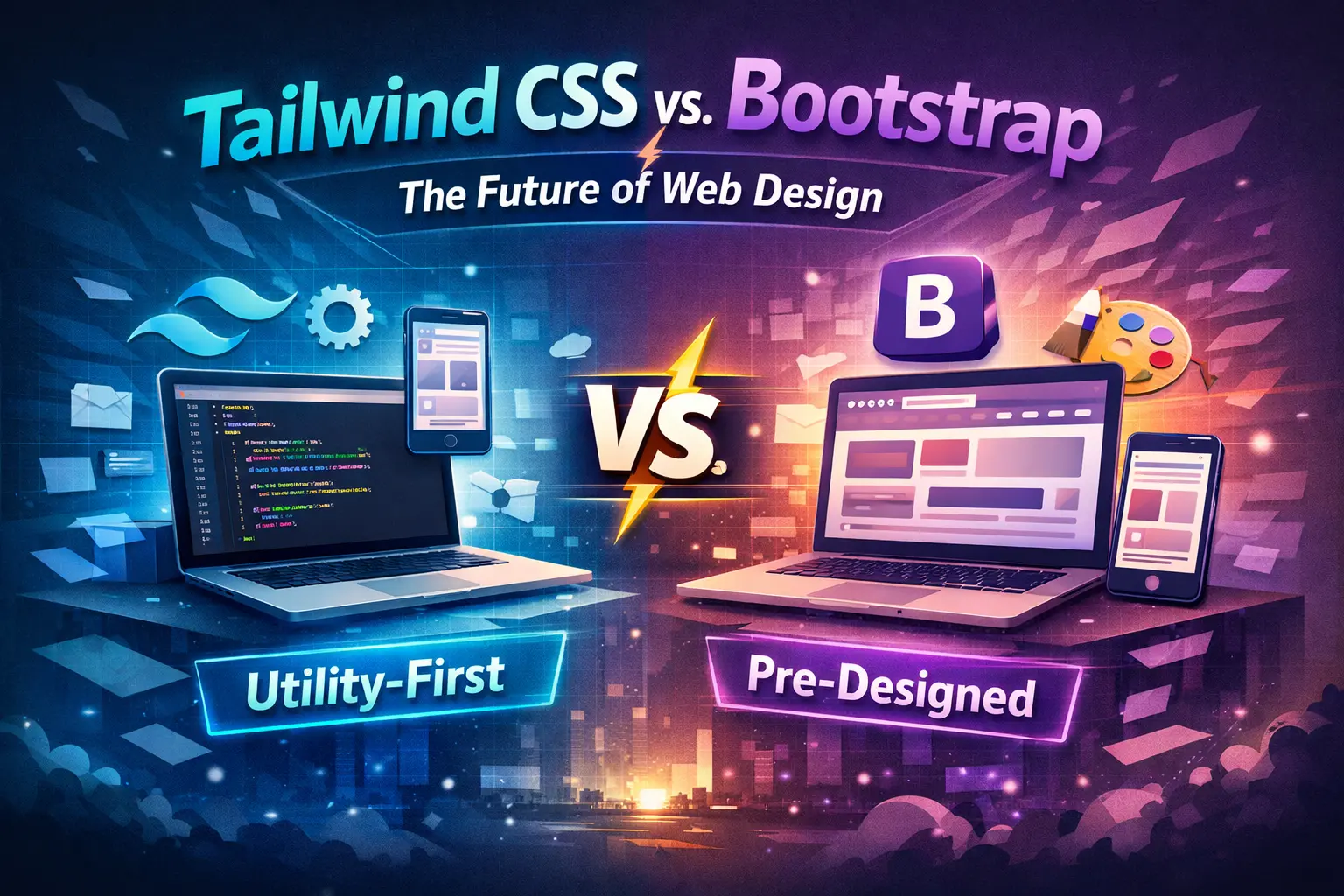
Compare modern component architectures in our breakdown of Tailwind CSS vs. Bootstrap.
7. Conclusion: Great Design Is Not a Luxury—It Is a Cost-Saving Strategy
The Direct Answer: UI/UX design is not about making buttons pretty; it is the fundamental architectural process that guarantees your software is intuitive, efficient, and cost-effective to engineer.
At Scenic IT Solutions, our UI/UX designers and senior developers collaborate from day one to ensure your digital products deliver world-class user experiences on time and within budget. Explore our custom web app development cost breakdown or consult our design team today.
Frequently Asked Questions
What is the difference between UI design and UX design?
UX (User Experience) design focuses on the structure, logic, and journey of how a user navigates software to accomplish a goal. UI (User Interface) design focuses on visual aesthetics: typography, colors, button styles, and interactive micro-animations.
How much of a software development budget should be allocated to UI/UX design?
Industry standard best practice is allocating 15% to 25% of your total software development budget to user research, wireframing, and interactive UI/UX prototyping.
What design tools do professional UI/UX designers use in 2026?
Figma is the undisputed global industry standard for collaborative UI/UX prototyping, design systems, and developer handoff, supported by tools like FigJam for user journey mapping.
How does UI/UX design help attract venture capital investors?
Investors rarely review backend code; they evaluate interactive prototypes. A clickable, polished Figma prototype demonstrates vision, user empathy, and market readiness, making fundraising substantially easier.
Can UI/UX design be tested with real users before coding begins?
Yes! Using tools like Maze or UserTesting, designers test clickable Figma prototypes with real target users to measure task completion rates and spot usability bottlenecks before writing a line of code.
📚 Related Articles & Recommended Reading

Design Intuitive, Cost-Effective Software with Experts
Ready to build a digital product that users love while cutting development costs? Partner with the UI/UX design and engineering team at Scenic IT Solutions.
Start Your UI/UX Prototype