
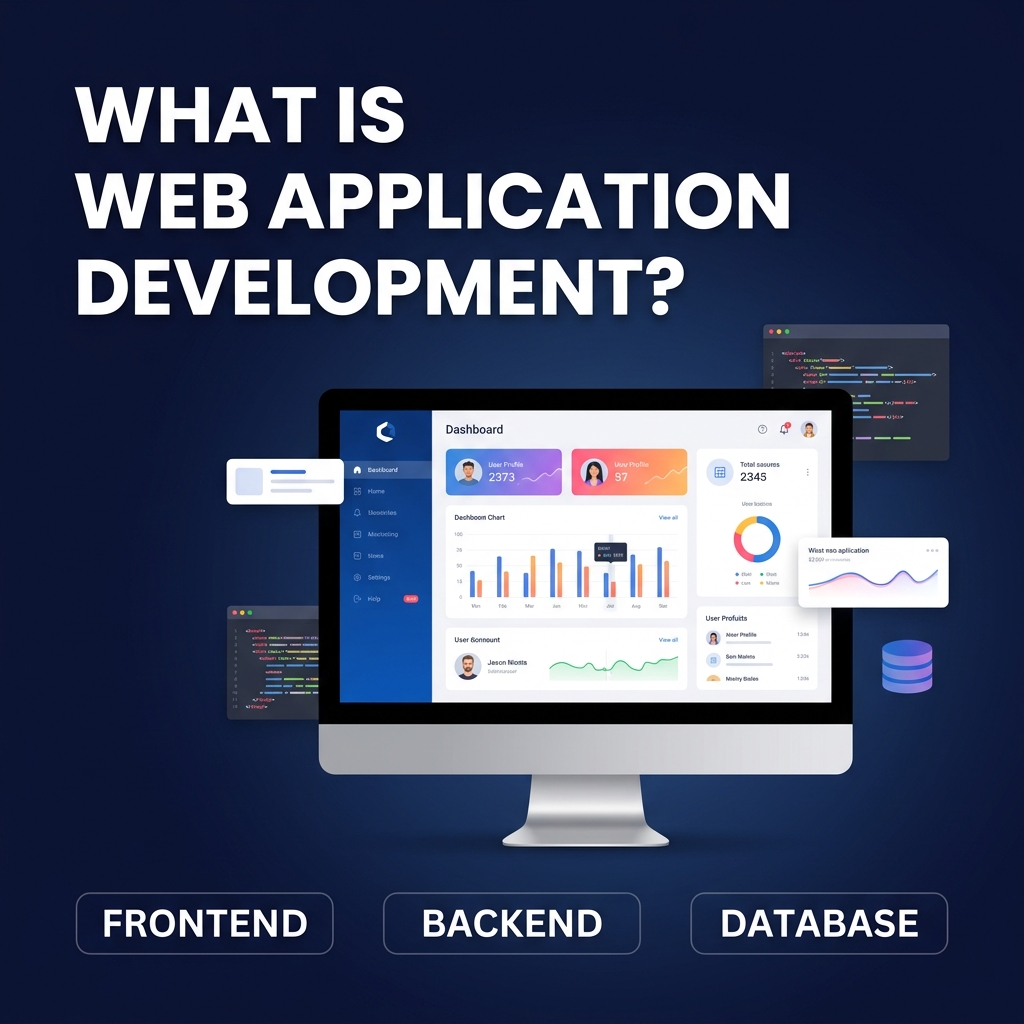
You use web applications every single day — Google Docs, Gmail, Trello, Netflix, your internet banking portal. They all look like websites, but they behave like software. So what exactly is web application development, and why does every modern business need it?
This guide answers that question in plain language. Whether you are a business owner evaluating your digital options or a developer looking to understand the landscape, you will leave with a complete picture of what web apps are, how they are built, and what they cost.
A web application is a software program that runs in a web browser. It allows users to interact with it dynamically — creating accounts, uploading files, making purchases, viewing personalized content, or collaborating with others in real time.
The key difference from a traditional website is interactivity. A brochure website shows you information. A web application lets you do something — place an order, send a message, generate a report, or manage your team.
Examples of web applications you use regularly:
The terms are often used interchangeably, but they mean different things:
| Feature | Website | Web Application |
|---|---|---|
| Purpose | Inform and display content | Enable user interaction and actions |
| User Interaction | Minimal (read-only) | High (create, edit, delete, transact) |
| Authentication | Usually not required | Often required (login/accounts) |
| Data | Static or CMS-driven | Dynamic, user-generated, real-time |
| Examples | Company brochure, blog, portfolio | CRM, ERP, SaaS, e-commerce, dashboard |
| Development Complexity | Low to Medium | Medium to High |
Read our detailed comparison in the Web Application vs Website guide.
Not all web apps are built the same way. Here are the main types:
Building a web app follows a structured process. Skipping any step usually leads to costly rework later.
The right technology depends on your use case, scale, and budget. Here is an overview:
| Layer | Technologies |
|---|---|
| Frontend | HTML5, CSS3, JavaScript, React.js, Vue.js, Angular, Next.js |
| Backend | Node.js, PHP/Laravel, Python/Django, Java/Spring Boot, Go |
| Database | MySQL, PostgreSQL, MongoDB, Redis, Firebase |
| APIs | REST, GraphQL, WebSockets |
| Cloud/Hosting | AWS, Google Cloud, Azure, DigitalOcean, Vercel |
| DevOps | Docker, Kubernetes, GitHub Actions, Jenkins, Nginx |
Why invest in a custom web app instead of using off-the-shelf software?
Costs vary widely depending on scope, team location, and technology. Here is a realistic breakdown:
| Project Type | Estimated Cost | Timeline |
|---|---|---|
| Simple MVP / Internal Tool | $5,000 – $15,000 | 6–10 weeks |
| Mid-Scale SaaS / Portal | $20,000 – $60,000 | 3–6 months |
| Complex Enterprise App | $80,000 – $200,000+ | 6–18 months |
| E-commerce Web App | $8,000 – $50,000 | 2–6 months |
Outsourcing development to India can reduce costs by 50–70% compared to US or UK agencies, without compromising quality. Scenic IT Solutions delivers enterprise-grade web applications at highly competitive rates.
Choosing the right development partner is as important as choosing the right technology. Here is what to evaluate:
Web application development is how businesses in 2026 automate operations, serve customers at scale, and build competitive advantages that cannot be copied overnight. From internal dashboards to customer-facing SaaS products, web apps are the engines that power modern companies.
The question is not whether your business needs a web application — it is how soon you will build one, and whether you choose the right partner to build it with.
A web application is a software program that runs in a web browser and allows users to interact with it — like logging in, submitting forms, making purchases, or collaborating in real time. Unlike a static website, a web app is dynamic and responds to user input.
A website primarily delivers static information (text, images, pages). A web application allows users to interact with the system — create accounts, manage data, process transactions, or collaborate. Most modern digital products are web applications, not just websites.
A simple web app MVP typically takes 6–12 weeks. A medium-complexity platform takes 3–6 months. Large enterprise web applications can take 6–18 months or more depending on scope.
Basic web app development starts at around $5,000–$15,000 for an MVP. Mid-scale apps cost $20,000–$80,000. Enterprise-grade systems can exceed $100,000 depending on complexity, team size, and technology stack.
Common frontend technologies include React, Vue.js, and Angular. Common backend technologies include Node.js, PHP/Laravel, Python/Django, and Java/Spring Boot. Databases used include MySQL, PostgreSQL, and MongoDB.
At Scenic IT Solutions, we design and develop custom web applications that solve real business problems. From SaaS platforms to enterprise portals, we deliver scalable, secure, and high-performing solutions.
Explore our web app development services or talk to our team today.